
1
Scarabwins registration, login and verification
Create your account to access casino games and sports bets. The sign up flow is quick; login is required to play and place wagers. Verification adds strong security and helps process withdrawals for UK players. You can register online at Scarabwins on the website or in the app, get help from support, and claim: 10 FS +10% from €20 (x1), 10 FS +10% from €50 (x1), 30 FS +15% from €100 (x1), 75 FS +15% from €200 (x1).
Create your account in a few steps
Follow these steps to get started. Here is how to complete your Scarabwins sign up.
2
Choose a method
Email, mobile number, or social login (Apple or Google).
3
Enter personal details
Name, date of birth, UK address, and set a password.
4
Set deposit limits, accept the rules, and confirm you are 18+.
5
Confirm your email or SMS code to finish.
Register on the mobile app
The process mirrors the website, tailored for touch. Use this guide to register on your phone for Scarabwins.
1
Open the app and tap Register.
2
Pick email, mobile, or social sign up (Apple or Google).
3
Fill in your details, set a strong password, and accept the terms.
4
Enable Face ID or biometrics if you prefer.
5
Verify by email or SMS to complete.
Who can register and what you need
You must meet UK rules to open an account. Provide accurate details so checks run fast. These rules apply to Scarabwins registration in the UK. They protect you and help process payments.
- Age and location: you must be 18+ and physically in the UK; VPNs are not allowed.
- One account: one per person, household, IP, device, and payment method.
- True details: use your legal name, date of birth, and current residential address.
- Documents: be ready to provide photo ID, recent proof of address, and payment evidence.
- Payment ownership: deposit and withdraw using methods held in your own name.
How account verification works in the UK
Scarabwins account verification is a legal requirement for UK players. It confirms your identity, supports safe gambling, and enables deposits and withdrawals. Here is how Scarabwins verification usually works.
1
Identity check
Upload a clear photo of your passport or driving licence.
2
Address check
Provide a recent utility bill or bank statement (dated within 3 months).
3
Payment method
Show a masked card image or e‑wallet screenshot, as instructed.
4
Source of funds (if requested)
Submit a payslip or bank statement.
5
Review
You will get an update by email and see status in your account.
Scarabwins login: sign in to your account
Use the homepage form for fast access. Social options support Scarabwins sign in for Apple and Google.
1
Select Log in on this site.
2
Enter your email and password, or choose Apple/Google to sign in.
3
Complete your two‑factor code if enabled.
4
Press Sign in to finish.
Your welcome bonus after you join
After registration and first deposit, you can receive a tiered bonus for casino and sportsbook. The structure is the same for both, and wagering is x1 unless stated. Always check the full terms in the cashier.
Casino welcome tiers
- €20 minimum deposit: 10 FS + 10% bonus (x1).
- €50 minimum deposit: 10 FS + 10% bonus (x1).
- €100 minimum deposit: 30 FS + 15% bonus (x1).
- €200 minimum deposit: 75 FS + 15% bonus (x1).
Sports welcome tiers
- €20 minimum deposit: 10 FS + 10% bonus (x1) credited to your balance for betting.
- €50 minimum deposit: 10 FS + 10% bonus (x1).
- €100 minimum deposit: 30 FS + 15% bonus (x1).
- €200 minimum deposit: 75 FS + 15% bonus (x1).
Notes: FS are granted on eligible slots and wins carry x1. Bonus funds carry x1 turnover. 18+ only. T&Cs apply. Please gamble responsibly at BeGambleAware.org.
How to claim the welcome offer
It takes a few steps to activate your bonus. Follow this checklist after you sign up.
1
Register
Create your account and sign in.
2
Deposit
Choose an eligible amount in the cashier.
3
Opt‑in
Pick the offer before confirming your payment.
4
Play
Receive FS/bonus funds and meet the x1 requirement.
Registration issues and how to resolve them
Most problems are simple to fix. If these do not help, contact support for a quick check.
- Email not arriving | Solution: check spam, then request a new code or use a different email address.
- Address not accepted | Solution: enter the full UK postcode and select from the lookup, or type it exactly as on your bill.
- ID rejected | Solution: upload a brighter photo, remove covers, and ensure all four corners are visible.
- Payment proof declined | Solution: send only the last 4 digits visible on your card or a full e‑wallet screenshot showing your name.
- Account flagged as duplicate | Solution: contact support to confirm your identity and close any old or unused profiles.
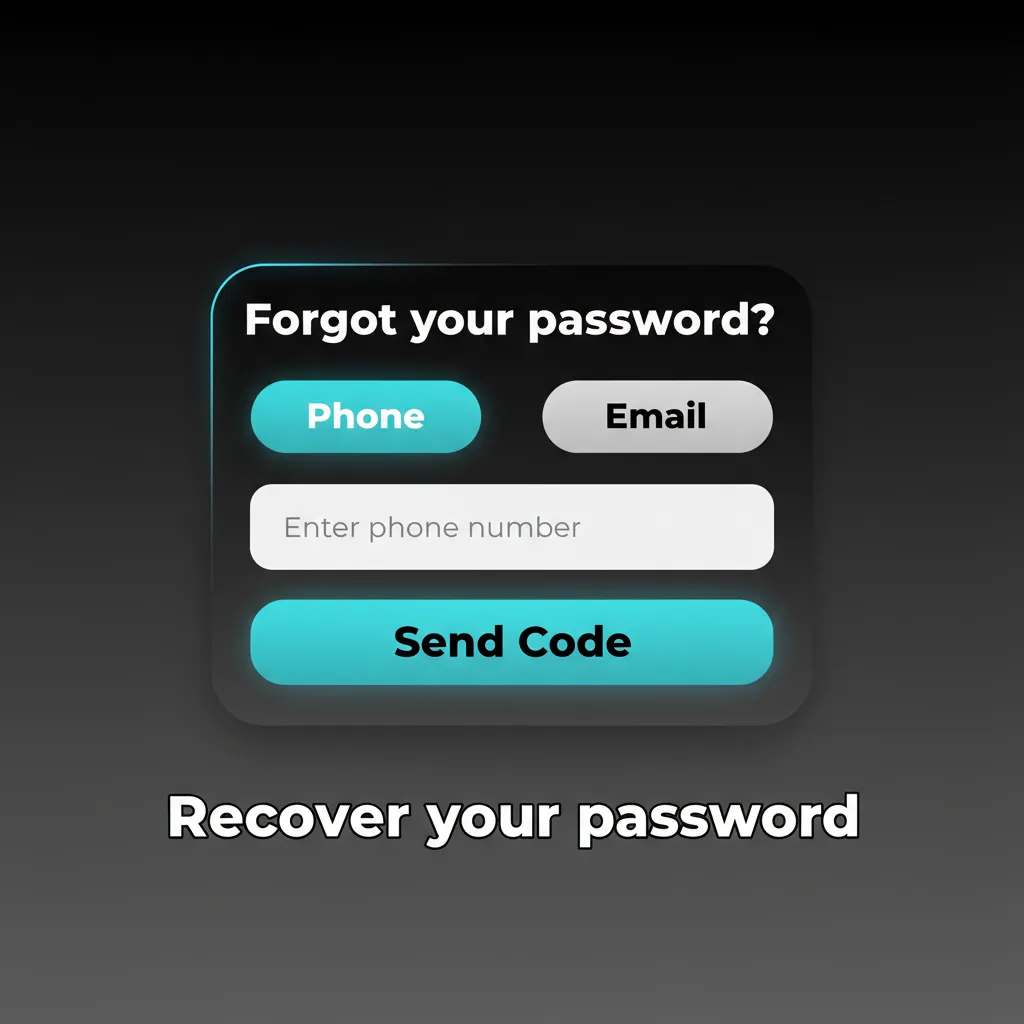
Recover your password
You can reset access in minutes. Use email or SMS, then set a new password.
- Click Forgot password on the login page.
- Choose email or SMS and request a reset link/code.
- Open the link or enter the code and set a new password.
- Sign in again and consider enabling two‑factor authentication.
Close or delete your account
You may choose to close your account for budgeting, a break, or personal reasons. You can also use safer gambling tools at any time.
- Go to Account > Responsible Gambling and choose a break, self‑exclusion (GAMSTOP), or permanent closure.
- If closure is requested, support may ask for confirmation and identity checks.
- Withdraw remaining funds and confirm the outcome by email.
FAQ
Can I change my registered email address later?
Yes. Go to Account > Settings, update the email, and confirm via a verification link.
Where do I find the Scarabwins account login form?
Use the Log in button on the top right of the homepage or the profile icon in the app.
Do you support authenticator apps for 2FA?
Yes. You can enable SMS codes or an authenticator app in Security settings.
What file formats are accepted for documents?
JPEG, PNG, and PDF are accepted. Keep files clear and under the size limit shown during upload.
How do I update my address after moving?
Edit your address in Profile and upload a recent bill or bank statement dated within 3 months.
Updated: